15 Aug
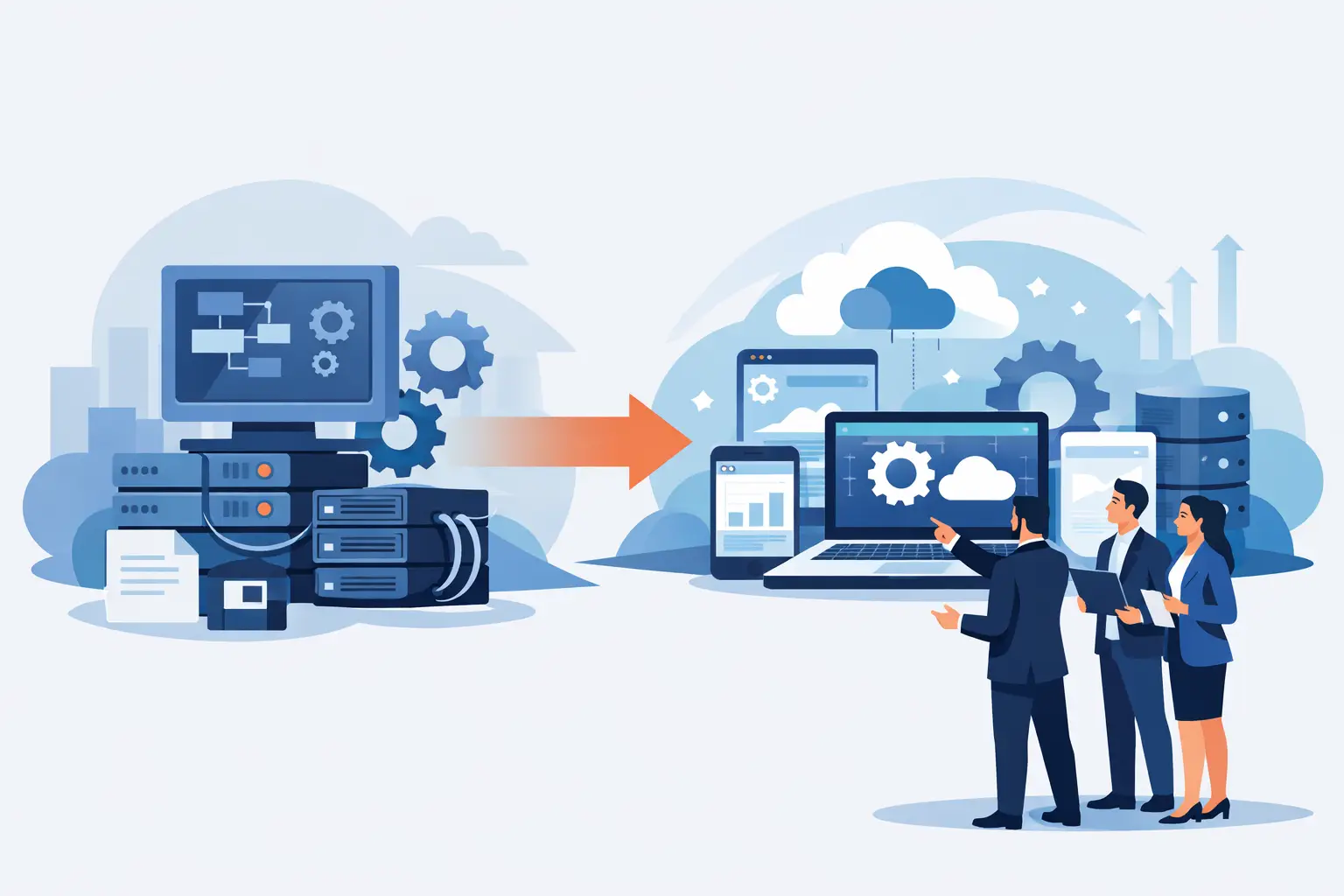
A system can keep a business running for years and still be holding it back. Perhaps it is a desktop application only one employee understands, a spreadsheet-led process that requires daily corrections, or a customer database that cannot communicate with the website, accounts package or warehouse. Legacy software modernisation is the practical work of improving those systems without losing the valuable business knowledge they contain.
For small and mid-sized businesses, this is rarely about replacing technology because it looks old. It is about removing friction from everyday operations, protecting important data and giving teams the tools to serve customers properly. The right approach should improve how work gets done while keeping disruption under control.
What legacy software modernisation really involves
Legacy software is not defined by its age alone. A ten-year-old application can remain reliable and useful if it is secure, supported and fits the way the business operates. Equally, a newer platform can become a legacy problem when it relies on manual workarounds, cannot grow with demand or leaves data scattered across different systems.
Modernisation can mean several things. In some cases, the best decision is to retain a proven core system and build integrations around it. In others, a business may need to replace a desktop tool with a web-based application, move a database to a more suitable cloud environment, or rebuild a customer portal so it works well on mobile devices. The aim is not change for its own sake. It is to create a system that supports the business now and remains manageable as requirements develop.
A successful project starts with the operational problem, not the preferred technology. If staff spend hours re-entering orders, the priority may be an integrated order process. If management cannot trust reports, the priority may be centralising data and agreeing clear reporting rules. This business-first view prevents expensive development that solves the wrong issue.
Choosing the right legacy software modernisation route
There is no single route that suits every organisation. The appropriate option depends on the system’s condition, the value of the data it holds, the risk of downtime and the processes that depend on it.
A light-touch improvement may be sufficient where the existing software remains stable but lacks useful connections. An integration can pass information between a website, CRM, accounting platform and internal database, reducing duplicate entry while preserving familiar workflows. This often provides a fast return where the main issue is fragmented information rather than the core application itself.
Replatforming is more appropriate when the current system does the right job but is difficult to maintain or no longer works well in its existing environment. For example, a dependable desktop application might be rebuilt as a secure web application that authorised staff can use across sites. The process can remain familiar, while access, reporting and support become easier.
A full rebuild is justified when the existing application is unreliable, poorly documented, insecure or unable to support essential changes. It can be a significant investment, so it needs a clear case. Businesses should be able to identify the cost of delays, rework, lost sales, compliance exposure or restricted growth that the old system is creating.
Replacing a bespoke system with an off-the-shelf product can also be sensible, particularly for standard functions such as payroll or bookkeeping. However, it is worth checking whether the product genuinely fits the business or simply moves the workarounds elsewhere. Where your processes are a competitive advantage or unusually specific, bespoke software may offer better long-term value.
Start with processes, people and data
Before code is written, map what actually happens in the business. This is more revealing than a list of desired features. Follow an order from first enquiry to payment, fulfilment and after-sales support. Identify where information is created, copied, checked or changed. Speak to the people who use the system every day, including those who have quietly developed workarounds to keep things moving.
Define the outcomes that matter
Clear outcomes make technical decisions easier. A business might want to reduce order processing from twenty minutes to five, give managers accurate stock visibility, remove paper forms, or allow customers to self-serve online. These are measurable improvements that help prioritise work and test whether the investment is delivering commercial value.
It is also useful to separate essential requirements from desirable improvements. The first release should make critical processes safer and more efficient. Additional features can follow once the new system is in use and the team has evidence of what will make the greatest difference.
Audit the data before moving it
Data migration deserves early attention. Older systems often contain duplicate customer records, inconsistent product codes, incomplete fields and historical data that no longer has a purpose. Moving everything without review simply transfers old problems to a new platform.
Decide what information must be retained for operational, financial or legal reasons, what can be archived, and what needs cleaning before it is imported. Agree who owns the data after launch as well. A modern system is only as dependable as the information entering it.
Plan for change, not just launch day
The people using the software need time, training and a clear explanation of what is changing. Even a well-designed system can struggle if staff are expected to adapt without support. Practical training based on real tasks is usually more effective than generic demonstrations.
A phased rollout can reduce risk. One department, process or group of users may move first, allowing the business to resolve issues before wider deployment. This is not always necessary – a simple replacement may suit a single go-live – but it is often the safer option where operations cannot stop.
Build security and integration into the design
Modernisation creates an opportunity to improve controls that may have grown weak over time. Shared passwords, unrestricted access and informal data exports can become serious risks as a business grows. User roles should reflect what each person needs to do, while audit trails can show when sensitive records have been viewed or changed.
Security should also cover backups, recovery procedures, software updates and access for remote staff. The correct level of protection depends on the type of data and the consequences of an outage. A business handling personal, financial or commercially sensitive information needs stronger safeguards than one running a low-risk internal tool.
Integration deserves the same careful planning. Connecting systems can save considerable time, but poor integrations can create conflicting records and hard-to-trace errors. Establish which system is the source of truth for customers, products, prices and orders. Then define how updates flow, what happens when a connection fails, and who is alerted when manual action is needed.
Measure progress against business value
A modernisation project needs visible milestones, but delivery should not be judged only by whether features have been built. The more useful question is whether the business can operate better because of them. Track the measures agreed at the start, such as processing times, error rates, support requests, stock accuracy or the speed of management reporting.
Ongoing support matters after launch. Requirements change, staff raise practical questions and external platforms update. A system that is well supported can continue to improve in manageable stages rather than becoming another legacy issue a few years later. Documentation, sensible handover and a clear support arrangement protect the investment.
For many organisations, the strongest result is not a dramatic technical transformation. It is a quieter one: fewer repeated tasks, reliable information, quicker decisions and a system that no longer depends on one person knowing how to keep it alive.
Compile (UK) Limited approaches bespoke software around those practical outcomes, from clarifying the initial process through to implementation and ongoing support. The best next step is to identify the one legacy process causing the most delay or risk, then assess what a well-planned improvement would change for your customers and team.
Related Post