22 Sep
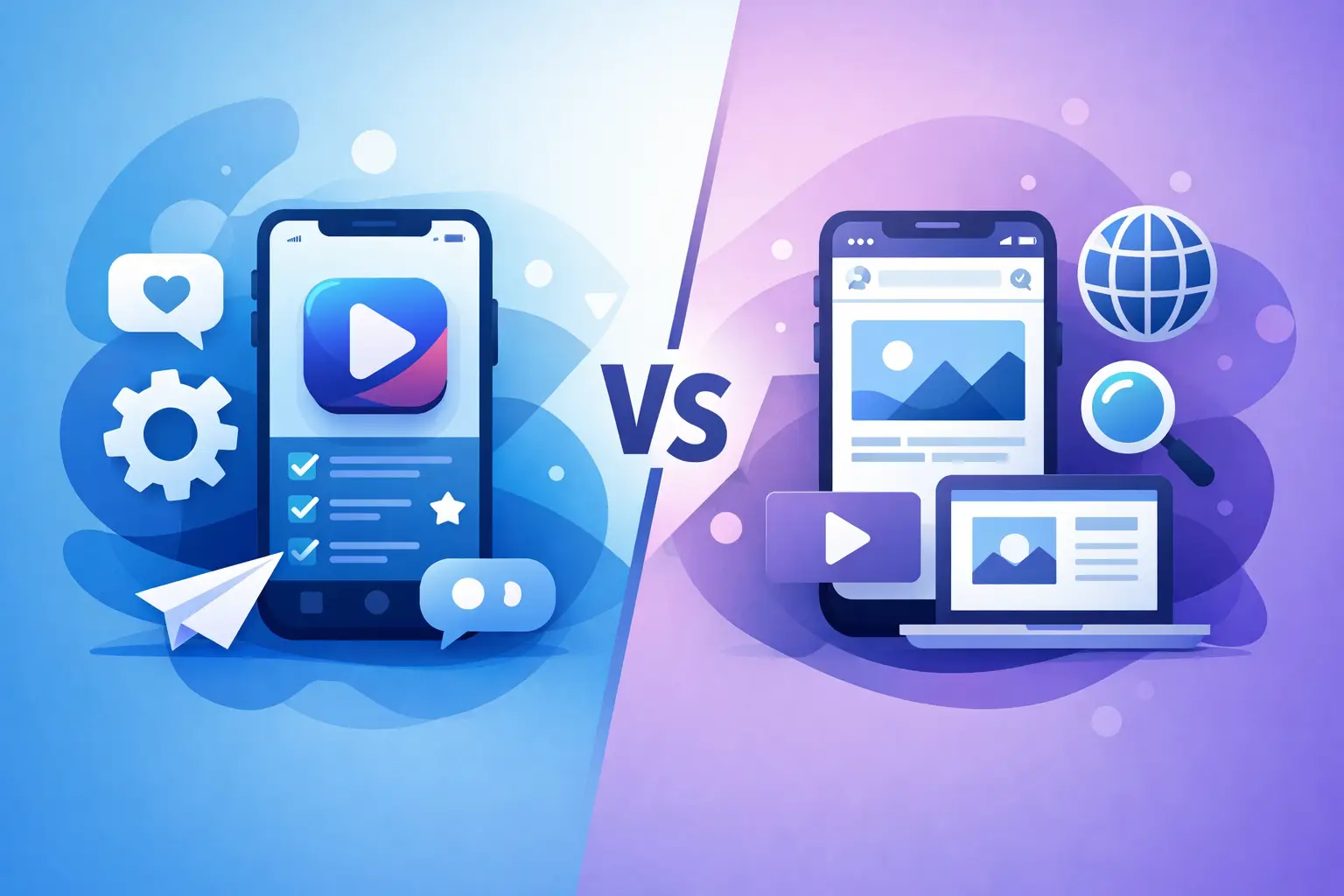
A customer is standing outside a branch, waiting for a delivery or trying to place an order between meetings. They need an answer quickly. Whether they find it through a browser or a downloaded product can shape the experience, but it should not dictate the decision. The mobile app vs mobile website question is really about what your business needs users to do, how often they need to do it and what systems sit behind the experience.
For many businesses, a mobile website is the sensible starting point. For others, an app becomes a valuable operational tool, customer channel or extension of a wider software platform. The right answer is rarely based on fashion. It comes from a clear view of your audience, processes, budget and commercial objectives.
Mobile app vs mobile website: the fundamental difference
A mobile website is accessed through a browser on a phone or tablet. It is usually responsive, meaning the layout adjusts to suit the device screen. Customers can reach it from search results, social media, an advert, an email or a direct web address without installing anything.
A mobile app is installed on a device, usually through an app store or through managed distribution for staff. It can use device features such as the camera, location services, notifications and offline storage more directly. Apps can also provide a more controlled, tailored experience for users who return regularly.
Both can connect to the same customer records, stock data, booking system or internal database. The visible interface is only one part of the decision. A well-planned solution considers how information flows between the mobile product and the systems your team already uses.
Start with the job your users need to complete
The most useful question is not whether an app looks more advanced than a website. It is what action must be easy, reliable and worthwhile for the user.
A mobile website works particularly well when people are researching, comparing services, checking opening times, reading information, browsing products or making an occasional enquiry. It gives your business broad reach because there is no download barrier. Someone can search for your service and act immediately.
An app becomes more compelling when usage is frequent or when the experience depends on personal information, repeat actions or phone capabilities. Consider a field service team logging jobs on site, a membership business issuing digital passes, or a wholesaler allowing regular trade customers to reorder supplies. In these cases, saved preferences, secure accounts, barcode scanning, location data and push notifications can remove friction from a repeated task.
Frequency matters. Asking a customer to download an app for a single quote request is difficult to justify. Asking a driver to use an app every day to receive schedules, capture signatures and report issues is far more credible.
Reach and discoverability favour mobile websites
A responsive website is generally easier to put in front of new customers. It can be found through search engines, shared in a message and opened from a campaign without sending the user to an app store first. For businesses trying to generate enquiries or grow online sales, this matters.
Websites are also straightforward to update. A revised product page, new promotion or changed service area can be published for every visitor at once. There is no need for users to install an update before seeing the change.
This does not mean websites are limited to basic brochure content. A bespoke mobile website can include account areas, booking journeys, product catalogues, payment integrations, dashboards and connections to back-office systems. For many small and mid-sized businesses, this creates the practical customer experience they need at a more accessible initial cost.
However, browser access has limits. A website may not perform as consistently when connectivity is poor, and certain device features can be less convenient to use. It can still support complex business processes, but the design and technical approach need to reflect the environment in which it will be used.
Apps can create value through repeat use
An app earns its place when it delivers a benefit that a browser-based experience cannot match as effectively. That benefit may be speed, convenience, offline access, personalisation or a closer connection to the user’s device.
Push notifications are a familiar example, but they should be used with care. A useful notification might tell a customer their appointment is approaching, confirm an order is ready or alert an engineer to an urgent job. Unnecessary messages quickly become an irritation, and users can simply disable them.
Offline functionality is often more commercially significant. Teams working in warehouses, rural locations, customer premises or vehicles may need to view and capture information without dependable reception. An app can store data locally and synchronise it when a connection returns. This reduces duplicate paperwork and helps keep records current.
Apps can also support more efficient internal operations. Staff can photograph evidence, scan codes, record site visits, collect signatures or update job status directly from the point of work. When connected to a central system, that information can be available to office teams without manual rekeying.
Cost is more than the initial build
A mobile website will often cost less to develop and maintain than separate native apps for iOS and Android. It has one primary codebase and one release process, making it a sensible option where budgets need to be focused on core functionality.
App development can involve additional planning, testing and ongoing maintenance. Different device models, operating system updates, app store requirements and security expectations all need consideration. If your audience uses both major mobile platforms, you must decide whether to build separate native apps or use a cross-platform approach.
That extra investment can be justified, but only where the returns are clear. Reduced administration, fewer missed appointments, improved order frequency, faster field reporting or stronger customer retention can all support the business case. The measurement should be specific to your operation rather than based on download numbers alone.
It is also worth allowing for the systems behind the screen. A polished app or website will not solve a process problem if it relies on outdated stock information, disconnected customer records or manual handovers. The strongest projects review integrations, permissions, data quality and reporting from the outset.
Security, support and ownership need early decisions
Whether you choose an app or website, users must be able to trust it with their information. Secure login, sensible user permissions, protected payments and appropriate data handling are not optional additions. They are part of the solution design.
For internal software, access should reflect job roles. A manager may need reporting and approval controls, while a field operative only needs the jobs assigned to them. For customer-facing products, simple account recovery and clear privacy information prevent avoidable support requests.
Ongoing support should also be part of the plan. Your business may introduce new services, alter processes or need to connect another system next year. Choosing a development partner that understands the wider business operation makes those changes easier to manage. Compile (UK) Limited builds bespoke digital products around real working requirements, including the integrations that turn a front-end experience into a useful business system.
A practical way to make the decision
Before committing to either route, map the user journey in plain language. Identify who will use the product, where they will use it, what information they need and what must happen after they complete an action. This often reveals that different users need different tools.
For example, a responsive website may be best for attracting new customers and taking initial bookings, while an app may be suitable for employed staff completing delivery or service work. These do not have to be competing investments. They can form parts of one connected platform, sharing customer data and operational information.
Also be realistic about adoption. If an app is aimed at customers, give them a clear reason to install and keep it. If it is aimed at staff, involve the people who will use it daily before finalising the workflow. A system that reflects actual working practices is more likely to be used properly and deliver reliable data.
The better choice is the one that makes a valuable task easier for the right people, without creating unnecessary cost or complexity. Begin with the business process, then build the mobile experience around it.
Related Post