22 Sep
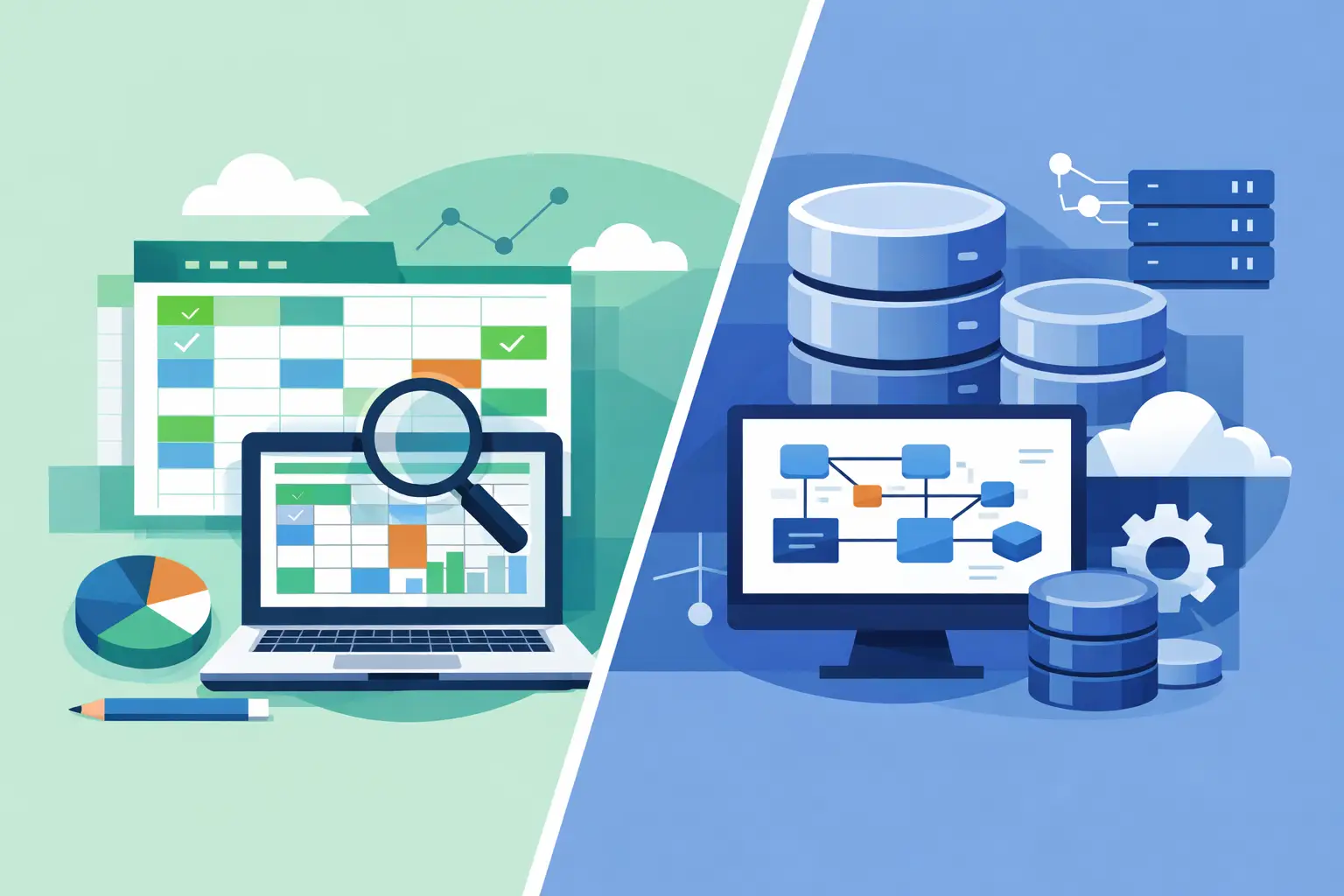
A spreadsheet that began as a simple stock list can quickly become the place where your business tracks customers, quotes, orders, deliveries, invoices and forecasts. That is often the point where the question of spreadsheets versus databases stops being technical and becomes operational. The issue is not whether spreadsheets are good or bad. It is whether the tool still gives your team reliable control as the business grows.
For many small and mid-sized businesses, spreadsheets are useful, familiar and fast to deploy. But when multiple people rely on the same information to make decisions or serve customers, their limits can create costly delays, mistakes and uncertainty. A properly designed database can address those problems, provided it is built around the way your business actually works.
Spreadsheets versus databases: the practical difference
A spreadsheet organises information in cells arranged in rows and columns. It is excellent for calculations, one-off analysis, lightweight planning and presenting figures in a format people already understand. A manager can build a cash-flow forecast, compare supplier prices or model several sales scenarios in a matter of minutes.
A database is designed to store structured information that changes over time and is used by different people or systems. Rather than placing everything on a single tab, it connects related records. One customer record can be linked to their contacts, quotations, orders, service history and invoices without repeatedly typing the same details.
This distinction matters because repeated data creates risk. If a customer changes address, a spreadsheet-based process may require someone to update several files, tabs or copies. In a database, that information can be held once and displayed wherever it is needed. The result is less duplication and greater confidence that staff are working from the current record.
Neither option is automatically right. The better choice depends on the complexity of your processes, the volume of data, the number of users and the consequences of getting information wrong.
When a spreadsheet remains the right tool
There is no benefit in replacing a straightforward spreadsheet just because a database sounds more advanced. A spreadsheet is often the sensible choice when a task is short-term, owned by one person and does not feed a wider operational process.
For example, a director preparing an annual budget may need to experiment with assumptions around staffing, sales and costs. A spreadsheet provides flexibility that is hard to beat. Equally, a marketing team may use one to review campaign performance or prepare a temporary event plan.
Spreadsheets also work well as reporting and analysis tools alongside a database. The database can act as the controlled source of operational data, while authorised users export relevant information for financial modelling or management reporting. This approach retains flexibility without making the spreadsheet the permanent home for critical records.
The warning signs appear when a file becomes a shared system rather than a working document. If staff are emailing versions back and forth, copying data between tabs, locking cells to prevent mistakes or spending time checking which version is correct, the process has probably outgrown its original purpose.
Where spreadsheets begin to create business risk
Most spreadsheet problems are not caused by poor effort. They happen because the file is being asked to perform the role of a business system without the controls a business system needs.
Version control is a common example. A file saved to several desktops, attached to emails or duplicated for different departments can quickly produce conflicting information. Staff may update one version while someone else prepares reports from another. The business then has to spend time reconciling figures instead of acting on them.
Accuracy is another concern. Formulae can be overwritten, rows can be sorted incorrectly and values can be entered in inconsistent formats. A date might be written in several ways, a customer name may be misspelt, or a product code may be changed by mistake. These errors are easy to introduce and difficult to spot when a workbook has grown across hundreds of rows and multiple worksheets.
Security and access control can also become limited. Not every employee should be able to see every customer, financial or staff record. A database can provide role-based access, so a sales colleague sees the information needed to manage leads while an accounts user can access invoicing information. In a spreadsheet, separating permissions is often more awkward and less reliable.
Finally, spreadsheets do not naturally manage workflow. They can record that a job has been raised, but they do not automatically ensure it moves from quotation to approval, scheduling, completion and invoicing in the right order. That gap often leads to manual follow-ups, missed handovers and avoidable customer-service issues.
What a database can do differently
A database gives the business one central place for important information. Records are structured consistently, relationships between data are defined and users can search, filter and report on live information without creating a new copy every time.
For a service business, this may mean a central system that stores customer details, enquiry history, quotations, jobs, engineer visits and invoice status. For a distributor, it could connect products, stock levels, purchase orders, suppliers and sales orders. For a manufacturer, it may bring together materials, production stages, quality checks and delivery schedules.
The value is not simply that the information sits in one place. It is that the system can support the rules behind your operation. Required fields can prevent incomplete records. Drop-down selections can standardise data entry. Automated notifications can alert the right person when a job is overdue or stock falls below a set level. Dashboards can show managers what requires attention without asking staff to compile updates manually.
A well-designed database also creates a clearer audit trail. You can establish who changed a record, when it changed and what stage a process has reached. For organisations handling sensitive customer information, regulated processes or high-value orders, that visibility is commercially significant.
The trade-offs to consider before moving
A database is not a magic answer to disorganised processes. If a business has unclear responsibilities, inconsistent pricing or no agreed process for handling exceptions, building software without resolving those issues can simply formalise confusion.
There is also an upfront investment. A tailored database needs discovery, design, development, testing, staff training and ongoing support. Off-the-shelf platforms may offer a faster starting point, but they can force your team to adapt to fixed workflows or pay for features you will never use. Bespoke software takes longer to define, yet it can be built to your exact specification and integrated with the systems already supporting your business.
The right level of solution matters. A small team managing a modest number of jobs may need a focused internal web application, not a large enterprise platform. A company with field staff might need mobile access and automated scheduling. Another may need a database that draws information from an eCommerce website, accounting package and warehouse system. The requirement should drive the technology, not the other way round.
A simple way to decide
Ask what happens when your spreadsheet is unavailable, wrong or out of date. If the answer is merely that a report is delayed, a spreadsheet may still be appropriate. If customer orders cannot be processed, stock cannot be trusted, compliance evidence is lost or staff cannot tell what work is due next, you are dealing with a system requirement.
It is also useful to look at the work around the file. How many people update it? How often is data copied into another system? How much time is spent checking, correcting or chasing information? Are staff using separate notes, inboxes and personal trackers because the spreadsheet does not show the full picture? Those hidden workarounds are often a more useful measure of need than the number of rows in the file.
Start by mapping one important process from beginning to end. Follow a customer enquiry through to delivery, payment or ongoing support. Identify every point where someone rekeys data, sends an email for approval, searches for a previous version or relies on personal knowledge. This will show where a central database could save time and improve control.
Moving from a spreadsheet without disrupting operations
A successful move does not require abandoning every spreadsheet overnight. Begin with the process creating the greatest operational friction, such as job management, customer records, stock control or order processing. Define the information that must be held, who needs access and what the system must produce for staff and management.
Data quality should be addressed early. Old duplicate contacts, incomplete addresses and inconsistent product names should be reviewed before migration. A new system cannot create reliable reporting from unreliable source data without clear rules and careful preparation.
Staff involvement is equally important. The people who use the process every day can identify exceptions that are not visible in a management report. Their input helps ensure the new system supports practical work rather than adding unnecessary administration. Training and phased implementation also make adoption easier, particularly where a team has depended on familiar files for years.
Compile (UK) Limited works with businesses that need this kind of practical transition: replacing disconnected files and manual handovers with tailored systems that reflect real operational requirements. The aim is not technology for its own sake. It is a clearer, more dependable way to run the business.
The most useful question is not whether databases are better than spreadsheets. It is whether your current tools let people spend their time serving customers and making informed decisions, rather than searching for data and correcting preventable errors. When the answer changes, your system should change with it.
Related Post