11 Aug
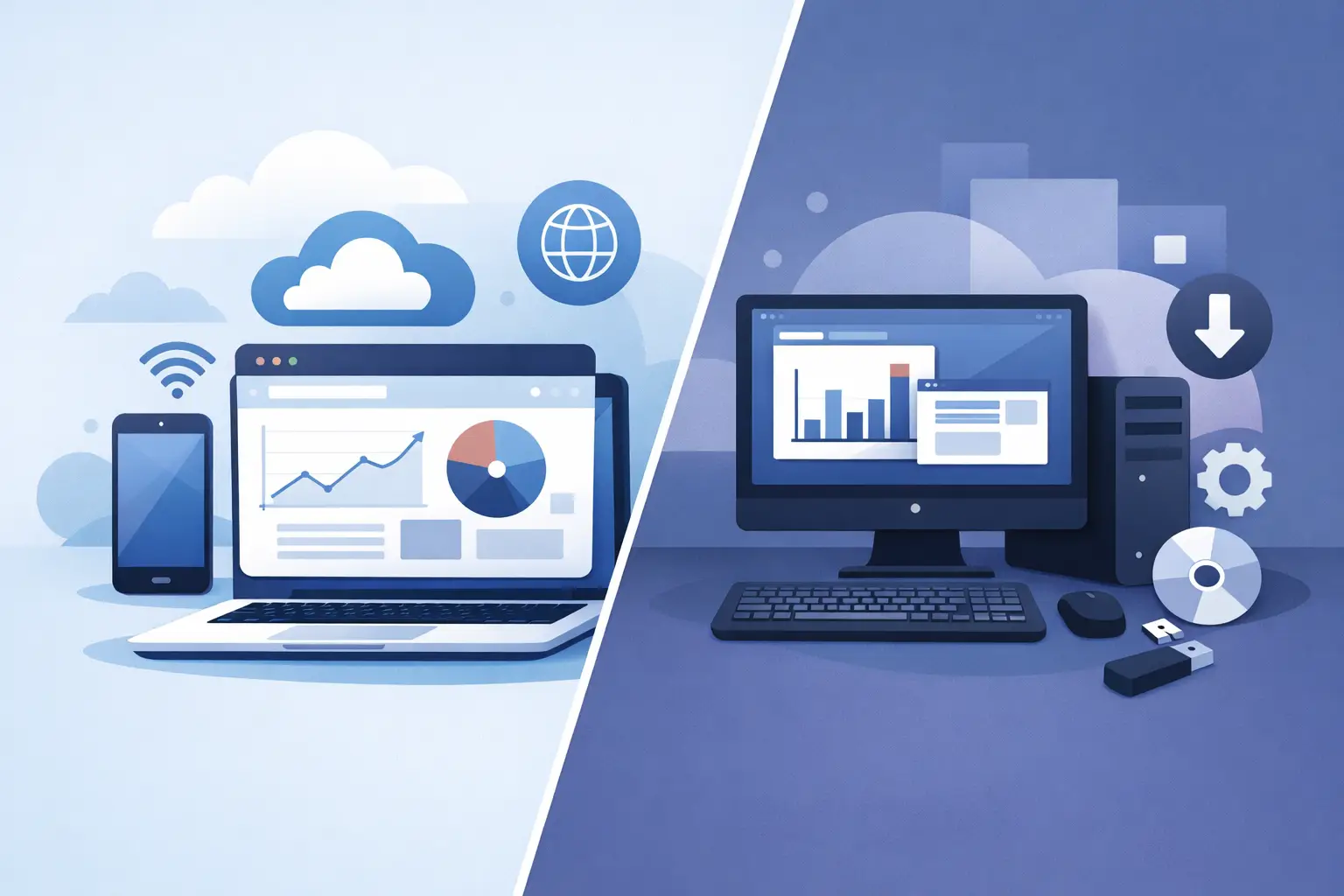
A field engineer updates a job record from a customer site. A warehouse team processes orders on unreliable internet. A finance manager works with sensitive data that must remain tightly controlled. These are not minor technical details – they are the practical realities that decide a web app vs desktop software project.
For many businesses, the question is not which option is more modern. It is which system will make everyday work quicker, clearer and less prone to error. The right answer depends on where people work, what they need to do, how existing systems operate and what the business expects to change over time.
Web app vs desktop software: the core difference
A web application runs through a web browser. Users normally sign in through Chrome, Edge, Safari or another supported browser, with the application and its data hosted on a server or cloud platform. Updates are made centrally, so everyone accesses the latest version when they log in.
Desktop software is installed directly on a Windows, macOS or Linux computer. It can be connected to a central database, run partly offline, or operate as a standalone application depending on the requirement. Updates may be distributed centrally, but installation and device management are usually more involved.
Neither model is automatically better. A web app is often the sensible choice for teams working across several locations. Desktop software can be the stronger option where speed, specialist hardware or reliable offline working are essential. A custom solution can also combine both approaches where that best serves the operation.
When a web app makes commercial sense
Web applications are particularly effective when the business needs one shared view of information. A sales team, operations department and management team can all work from the same current data without emailing spreadsheets back and forth or wondering which file is correct.
Access from almost anywhere
For businesses with remote staff, multiple sites, travelling teams or external users, browser access is a major advantage. Staff can use authorised devices without needing a full software installation on each machine. This is useful for customer portals, booking systems, stock visibility, reporting dashboards and internal workflow tools.
It also reduces friction when a team grows. A new user can often be set up with the right permissions quickly, rather than waiting for software to be installed and configured on their device.
One controlled version of the system
Central updates are one of the clearest benefits of a web app. When a process changes, such as a revised approval route or new reporting requirement, the update can be released once. Users see the change the next time they open the application.
That matters more than it may first appear. Version differences create support calls, inconsistent processes and avoidable mistakes. A centralised system makes it easier to standardise how work is completed across the business.
Easier integration and customer access
A web app is often well suited to connecting with cloud accounting platforms, payment services, eCommerce systems, CRM tools and third-party data sources. It can also provide controlled access for customers, suppliers or contractors without giving them access to internal systems.
That said, integration is not exclusive to web applications. Desktop systems can integrate effectively too. The question is whether browser-based access makes the wider process easier to manage.
Where desktop software remains the better choice
Desktop software is sometimes dismissed as a legacy option. That is a mistake. For the right workload, it remains highly capable, reliable and commercially sensible.
Performance for demanding tasks
Applications that process large files, complex calculations, high-resolution media or large volumes of operational data can benefit from running directly on a local machine. Desktop software can make fuller use of the computer’s processor, memory and storage, reducing delays for intensive tasks.
This is relevant for specialist estimating tools, data processing applications, manufacturing environments and software that must respond immediately during a busy workflow. A browser interface can be effective, but it may not be the most efficient route for every technical requirement.
Reliable work without an internet connection
If users regularly work in locations with weak or intermittent connectivity, a desktop application may be essential. Field teams, certain industrial sites and mobile operations cannot always rely on a stable connection.
A desktop system can keep core functions available offline, then synchronise records when a connection returns. Web apps can also support offline features, but that adds complexity and may not cover every process. The important point is to design for real working conditions, not ideal ones.
Direct connections to equipment
Desktop software can be especially useful where the application needs close interaction with printers, scanners, measuring devices, labels, machinery or other local hardware. Browser technology has improved considerably, but device access can still be more straightforward and dependable through installed software.
For example, a warehouse application may need to work quickly with barcode scanners and label printers throughout a shift. A desktop solution may provide the level of control and response time that operation requires.
Security is about design, not just platform
A common assumption is that web apps are less secure because they are accessed online, while desktop software is secure because it is installed locally. In practice, both can be secure or vulnerable depending on how they are designed, hosted, maintained and used.
A well-built web application can use encrypted connections, multi-factor authentication, role-based permissions, audit trails, backups and carefully controlled hosting. Because updates are centralised, security fixes can also be deployed promptly across the user base.
Desktop software needs equally careful planning. Local devices must be protected, access rights managed and data encrypted where appropriate. If a laptop is lost, stolen or used by an unauthorised person, locally stored information can become a risk. Systems linked to a central database also need strong authentication and secure network access.
The best starting point is to identify the data involved, who needs access and what could happen if that information were exposed, altered or unavailable. Security requirements should shape the solution from the beginning rather than being added after development.
Cost, support and long-term ownership
The initial build cost is only part of the decision. A web application may require ongoing hosting, monitoring, backups and browser compatibility testing. Desktop software may require installation support, device-specific testing and a clear process for distributing updates.
For a dispersed team, central management can make a web app less expensive to support over time. For a small team using dedicated workstations and specialist equipment, desktop software may avoid unnecessary infrastructure and deliver better value.
Consider the cost of inefficient work as well. If staff spend hours re-keying data, chasing updates or working around limitations in an off-the-shelf product, a bespoke system can quickly justify its development cost. The objective is not to buy the cheapest technology. It is to reduce operational drag and give the business a system that supports how it actually works.
Choosing the right model for your business
Before selecting a platform, map the process the software must improve. Identify the people who use it, the tasks they complete, the data they need and the systems it must connect with. This often reveals that the key issue is not web versus desktop at all, but a poorly defined workflow or fragmented information.
A web app is likely to suit you when users need shared, up-to-date information across locations and devices. Desktop software is likely to suit you when performance, offline operation or direct hardware control are central to the job. If both needs exist, a hybrid approach may be the most practical answer – for example, a web portal for management and customers alongside a desktop tool for specialist operational work.
The most dependable route is to start with the business outcome: fewer manual steps, faster service, better reporting, clearer accountability or a more consistent customer experience. From there, the technology choice becomes a decision based on evidence rather than fashion.
A good software partner will ask how your team works on a difficult Tuesday morning, not just what features you would like on a screen. That is where a useful system begins – with software built to fit the work, and support available as the work evolves.
Related Post