22 Sep
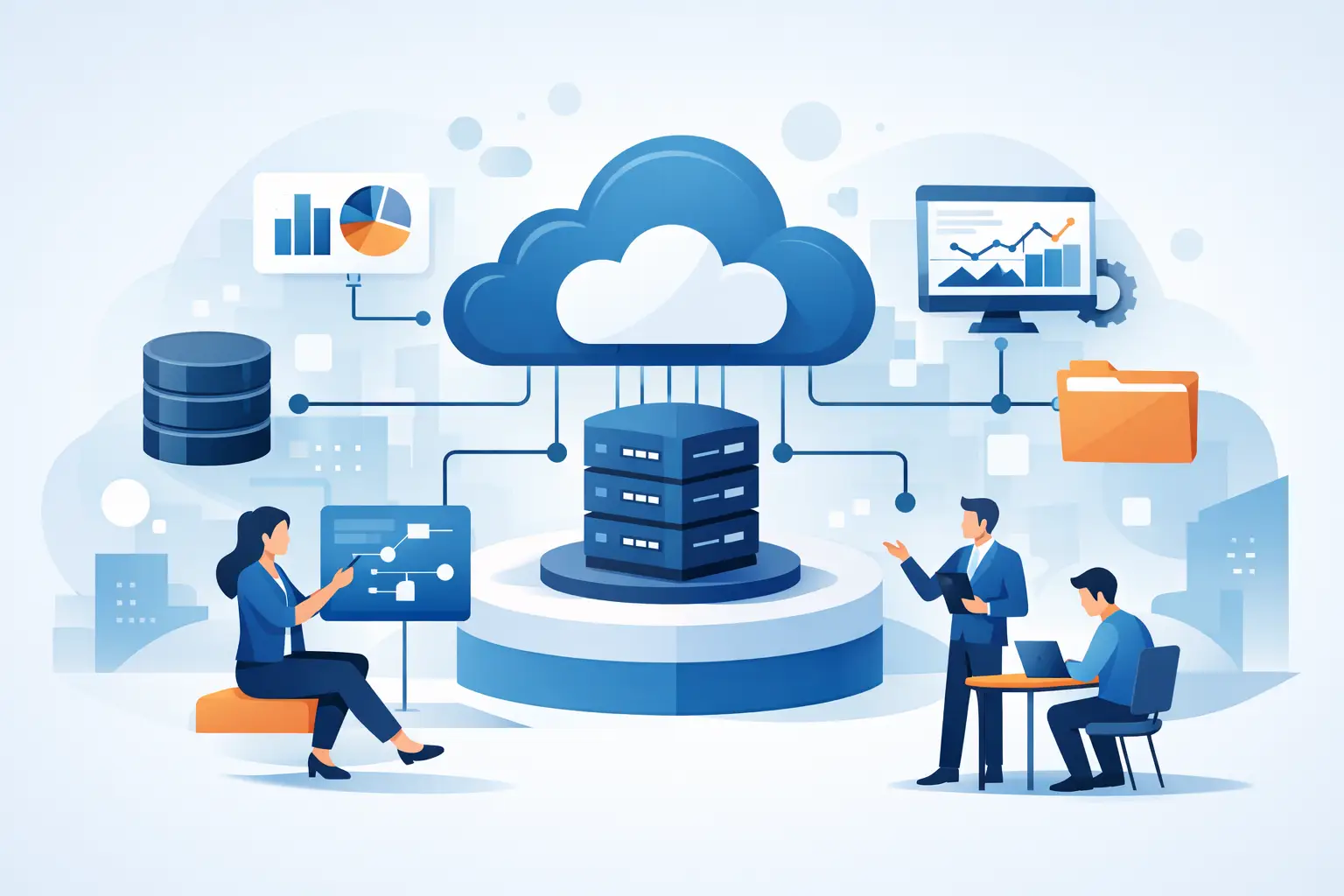
A sales team updates a spreadsheet, accounts work from their finance package, operations rely on a separate system, and customer notes sit in individual inboxes. Each tool may do its job, but the business still lacks one reliable view of what is happening. That is why the best ways to centralise business data start with the way your people actually work, not with a decision to buy another platform.
For a growing business, centralisation is not about putting every file and record into one giant database. It is about making the right information available to the right people, in a consistent format, without repeated manual entry or uncertainty over which version is correct. Done well, it reduces administration, improves customer service and gives decision-makers information they can trust.
1. Map where data is created and used
Before selecting software or planning an integration, establish where business data currently lives. This includes obvious systems such as customer relationship management software, accounts packages, stock control tools and eCommerce platforms. It should also include spreadsheets, shared folders, paper forms, email inboxes and applications used by individual departments.
The objective is not to criticise existing processes. Many businesses have built practical workarounds as they have grown. The problem comes when a workaround becomes a permanent process and no one can see how information moves from one team to another.
Map the journey of a few important records, such as a new enquiry, a customer order or a supplier invoice. Who enters the data first? Which fields are copied elsewhere? Who changes it? Where does a delay or error usually occur? This exercise identifies the information that needs to be centralised first and prevents a project from becoming unnecessarily broad.
2. Define a single source of truth
A centralised system needs clear ownership. For each important type of data, decide which system is the authoritative source. Your customer address, product price, employee record or stock level should not be edited independently in three different places.
For example, an accounts system may remain the source of truth for invoices and payments, while a customer management system holds sales activity and service history. The systems can share relevant information, but responsibilities remain clear. If an address changes, staff should know where to update it and how that change reaches other tools.
This principle is more useful than trying to force every function into one application. A single all-purpose system can be appropriate for some businesses, particularly where processes are straightforward. For others, specialist tools are better, provided they are connected properly and governed as part of one operating model.
3. Connect existing systems before replacing them
Replacing every system at once is expensive, disruptive and rarely necessary. Often, the quickest route to better data is to integrate the systems that already support the business well.
An integrated system can pass order details from an eCommerce website into stock control, send approved customer data into accounts, or bring delivery status back into a customer service screen. The team no longer has to rekey the same details, and each department can work from more current information.
The right approach depends on the age and capability of your software. Modern cloud platforms often provide application programming interfaces, while older desktop systems may require a purpose-built connector, scheduled import or secure database integration. A custom solution is particularly valuable when your process does not fit the assumptions built into off-the-shelf products.
Avoid connecting systems simply because it is technically possible. Each integration should solve a defined business problem, such as reducing order processing time, preventing overselling or giving staff a complete customer history. That focus keeps the project commercially useful and easier to support.
4. Build a central data warehouse for reporting
Operational systems are designed to run the business. They are not always designed to answer cross-department questions quickly. If you need to combine sales, marketing, customer service, stock and financial data for regular reporting, a data warehouse can provide the central reporting layer.
A warehouse brings selected data from different sources into a structured environment, where it can be cleaned, matched and prepared for analysis. Rather than asking staff to merge spreadsheets at month end, managers can work from agreed reports and dashboards based on the same definitions.
This matters when apparently simple measures are disputed. What counts as a new customer? Is revenue shown when an order is placed, dispatched or paid? Does a cancelled order remain in a sales report? Agreeing these rules makes reporting more credible and reduces time spent debating the figures.
A warehouse is not always the first requirement for a smaller firm. If the main issue is duplicate customer data between two systems, direct integration may deliver more value. But once reporting relies on several sources and manual consolidation, a central data platform is usually a sound investment.
5. Standardise data at the point of entry
Centralising poor-quality data only creates one large source of confusion. Consistent data entry is therefore just as important as the technology behind it.
Use required fields where they are genuinely needed, standardise formats for phone numbers and addresses, and use controlled lists for values such as customer type, enquiry source or order status. Where possible, reduce free-text fields that make reporting difficult. A sales record labelled “warm lead”, “Warm”, “WARM LEAD” and “likely” cannot be measured reliably without manual correction.
There is a balance to strike. Forms with too many mandatory fields frustrate staff and encourage inaccurate entries. Ask only for information that supports a real operational, legal or reporting need. Good system design makes the correct process the easiest process.
Data cleansing should also be planned before migration. Remove duplicate records, archive data you no longer need and agree how to handle incomplete information. Moving historic data without review can carry old errors into your new centralised environment.
6. Set permissions, responsibilities and retention rules
A centralised view of business data does not mean every employee should see everything. Customer information, payroll records, commercial pricing and sensitive documents require appropriate access controls.
Set permissions according to each role, not individual preference. A warehouse manager may need current stock and order information but not employee salary data. A finance user may need payment details but not unrestricted access to sales notes. Role-based access is easier to maintain as people join, move within or leave the business.
You also need named responsibility for data quality. This does not always require a dedicated data team. In a small or mid-sized business, a department lead can own the quality of information created by their function, while an operations manager or system owner oversees the wider rules.
Retention is equally important. Keeping every record forever increases storage, risk and clutter. Set practical policies for how long different data types are kept, how records are archived and how information is securely removed when it is no longer required. This supports efficient operations as well as data protection obligations.
7. Roll out in phases and measure the result
The best ways to centralise business data are rarely delivered as a single large launch. A phased project gives the business time to test processes, train users and prove value before extending the solution.
Start with a process that causes measurable friction. It might be sales orders being typed into two systems, service staff lacking access to customer history, or directors spending days preparing monthly reports. Establish a baseline before changes are made, then measure improvements in processing time, errors, report preparation or customer response.
User adoption deserves the same attention as technical delivery. Explain what will change, why it matters and where staff can get help. Involve the people who use the process every day during requirements and testing. They will spot practical exceptions that are easily missed in a boardroom discussion.
A bespoke platform or integration should also be designed for change. Businesses add services, open new sales channels and alter internal responsibilities. Documenting the data model, system connections and support process means improvements can be made without rebuilding everything from scratch.
When custom development is the sensible option
Off-the-shelf software is often a good starting point, but it can become restrictive when your process is distinctive or critical to how you serve customers. If staff are regularly exporting data, changing spreadsheets by hand or working around missing connections, the issue may be the gap between standard software and your actual operation.
A tailored data solution can provide a central portal, connect existing tools, automate data processing and present reports that reflect the way your business measures performance. Compile (UK) Limited develops systems to exact specifications, helping businesses bring distributed information into practical day-to-day workflows without forcing them to abandon useful tools.
The right first step is usually a focused conversation about one costly data problem. Solve that well, give people confidence in the information they see, and centralisation becomes a practical foundation for the next stage of growth.
Related Post